Smart Prompts
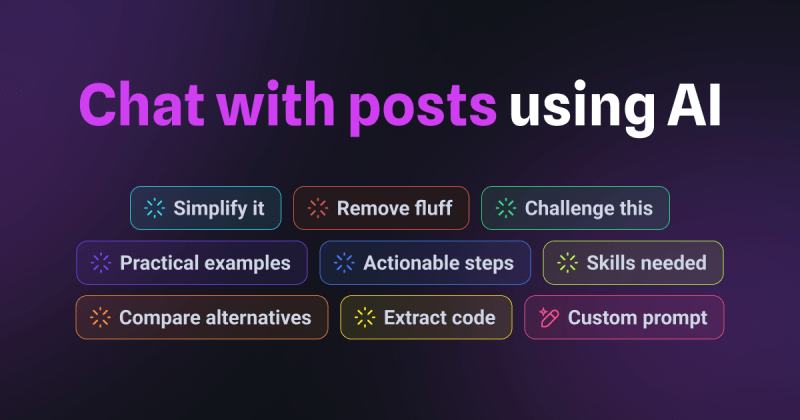
What Are Smart Prompts?
Smart Prompts let you interact with posts using AI to extract insights, challenge ideas, and break down complex topics. Whether you need a summary, practical steps, a comparison, or want to run your own custom prompt, Smart Prompts help you consume content more efficiently.
Why Use Smart Prompts?
- Summarize faster – Get instant key takeaways without skimming.
- Go deeper – Challenge ideas, compare alternatives, or get actionable steps.
- Customize interactions – Ask AI specific questions tailored to your needs.
Key Features
Pre-Filled Prompts
Smart Prompts offer ready-made AI interactions to help you engage with content effectively. Just hover over a prompt to see what it does, then click to run it.
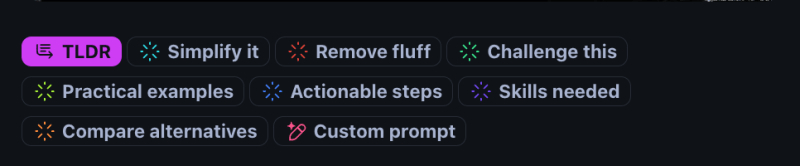
Available prompts include:
- Simplify It – Break down complex ideas into simple terms.
- Remove Fluff – Get a concise version of the post.
- Challenge This – Ask AI to critique the post’s argument.
- Practical Examples – See real-world applications of the content.
- Actionable Steps – Turn insights into steps you can take.
- Skills Needed – Identify the skills relevant to the topic.
- Compare Alternatives – See how the topic stacks up against similar concepts.
- Run Your Own Prompt – Type your own custom AI query.
Custom Prompts
For more control, create custom AI prompts tailored to your needs.
Examples:
- “Explain this to me like I’m five.”
- “Describe this from a product manager’s perspective.”
AI-Powered Chat With Posts
Beyond just a TL;DR summary, Smart Prompts now allow you to chat with posts using AI and interact with content in a conversational way. Ask follow-up questions, challenge the material, or request a breakdown in a way that suits you best.
How It Works
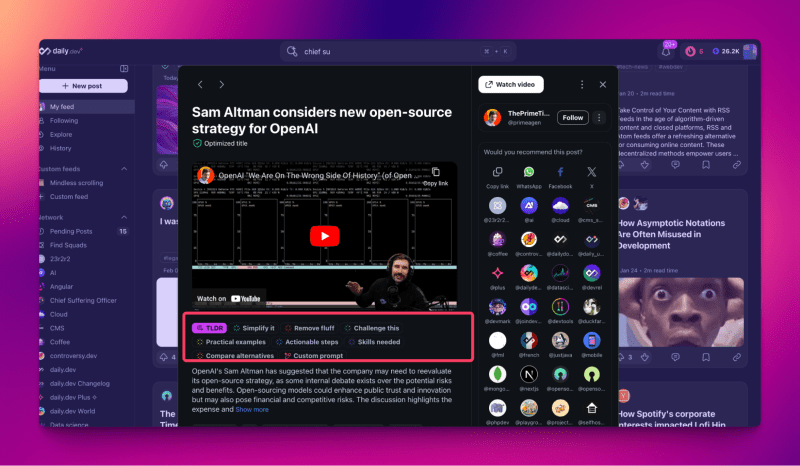
- Open any post.
- Find the Smart Prompts below the content.
- Hover over a prompt to see what it does.
- Click to run it.
- For custom prompts, click "+" and type your request.
Responses are saved even if you reload the page, so you won’t lose generated content.
Free vs. Plus Access
| Feature | Free Users | Plus Users |
|---|---|---|
| Pre-Filled Prompts | One free try per prompt | Unlimited access |
| Custom Prompts | One free try | Unlimited access |
| Last Used Prompt Saved | ❌ | ✅ |
| Toggle Individual Prompts | ❌ | ✅ (Under “AI Super Powers” in Settings) |
| Automatic TL;DR | ✅ | ✅ |
Who Can Benefit?
- Fast Learners – Get key insights in seconds.
- Critical Thinkers – Challenge arguments and explore different viewpoints.
- Decision Makers – Compare alternatives and get practical recommendations.
Smart Prompts take AI-driven learning to the next level, making your reading experience more efficient, interactive, and tailored to your needs.